Pay International Contractors and Freelancers Online

One platform to contract, approve, and pay them fully compliant and transparent - the best way to pay international contractors and freelancers.

5/5 on Glassdoor
4.6/5 on Trustpilot
Testing tool
  • Sandoz logo
  • Ackee logo
  • Novartis logo
  • PWC logo
  • Shipmonk logo

Why Managing Contracts and Payments At One Place?

Stop handling contracts, reports, and payments across multiple tools — EliteBrains lets you manage everything from a single dashboard. Save time,reduce errors, and give your team and freelancers a smoother, more reliable experience.

  • 150+ Countries
  • 50+ Currenies suported
  • 50+ Payment methods available

With EliteBrains we finally unified contracts and global payouts in one place. What used to take days of manual approvals and bank transfers now takes just a few clicks.

Customer image
Customer logo
Jiri Matousek, Head of CRM at Hexal AG

Supported Payment Methods

Payment method
Payment method
Payment method
Payment method
Payment method
Payment method
Payment method
Payment method
Payment method
Payment method
Payment method
Payment method
Payment method
Payment method
Payment method
Payment method
Payment method
Payment method
Payment method
Payment method
Payment method
Payment method
Payment method
Payment method

Manage and pay contractors at one platform

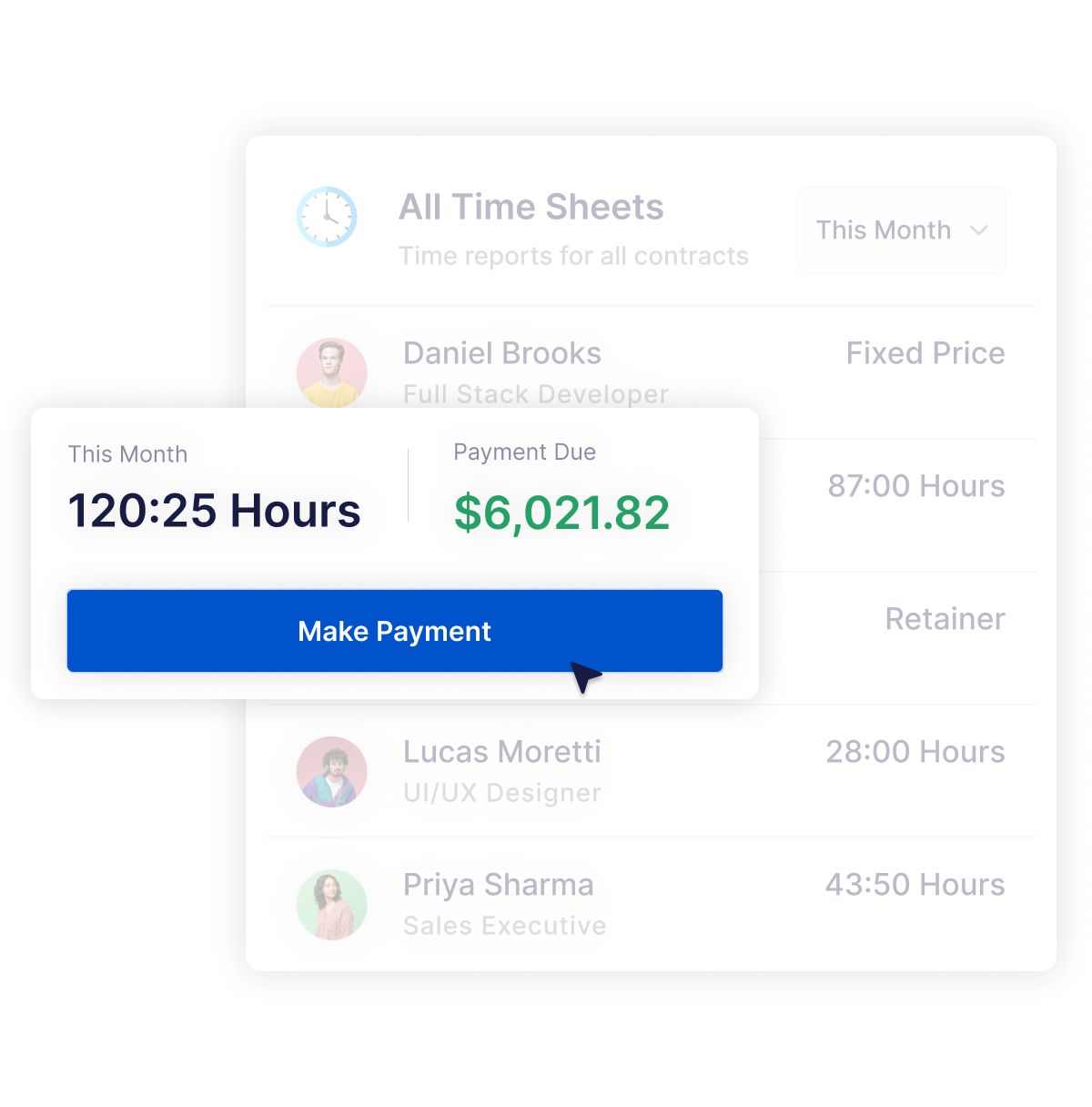
Whether you work with contractors locally or worldwide, EliteBrains lets you manage and pay all of them in one place. Add contractors, define contract types — time-based, milestone, or fixed-price — and let developers report their work directly on the platform. You simply review and approve their reports, or enable autopayments and pay freelancers instantly through 50+ global payout methods.

Start managing contractors
Results

Pay contactors anywhere in the world

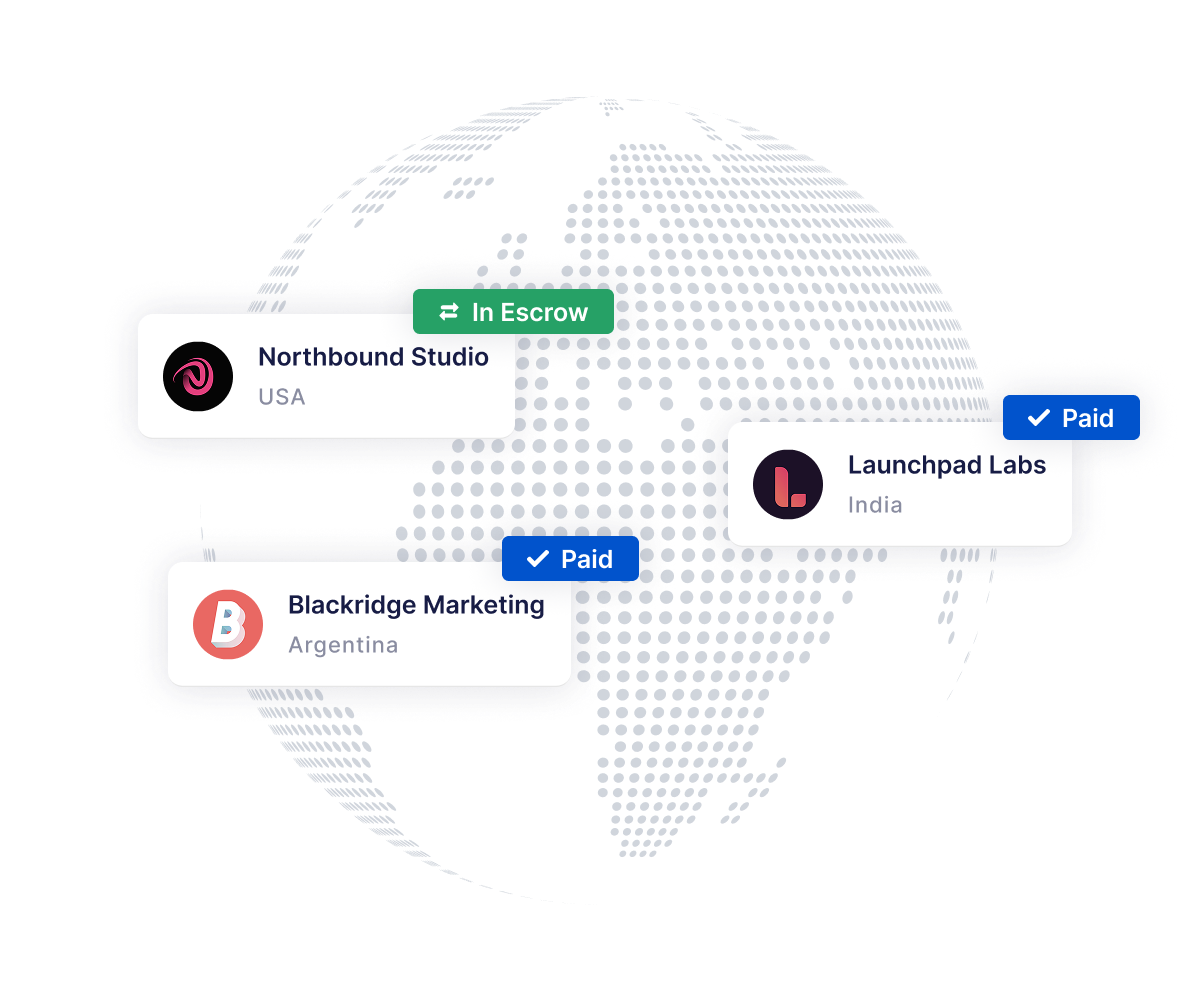
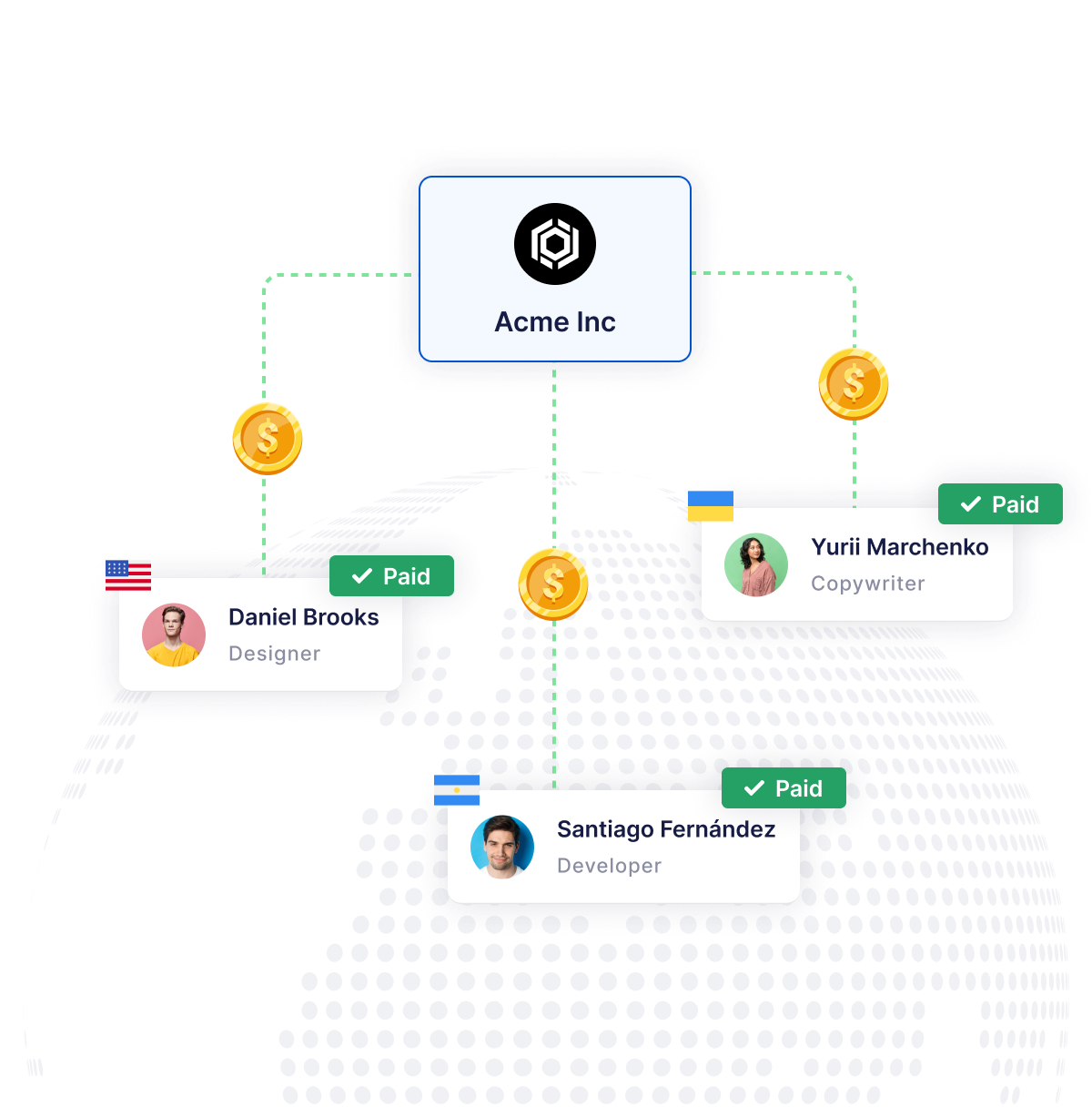
Send payments to contractors in 150+ countries using bank transfers, SEPA, ACH, cards, or local payout methods. EliteBrains automatically handles currency conversions, supported methods, and regional compliance, so your global team always gets paid quickly and reliably.

Flexible payouts for every contract type

Whether your contractors work hourly, by milestone, or on fixedprice projects, payments adapt to each agreement. Approve work manually or automate payouts based on submitted and verified reports. Every transaction stays transparent and linked to its contract.

Pay remote teams worldwide

With EliteBrains you can manage and pay your entire remote contractor team from a single dashboard — no matter where each person is located. Every contractor can work under different terms, currencies, and contract types, whether it’s timebased reporting, milestone payments, or fixed-price agreements. You get full control and transparency across your global team while paying everyone quickly and reliably, anywhere in the world.

Results

Pay contractors in your own country

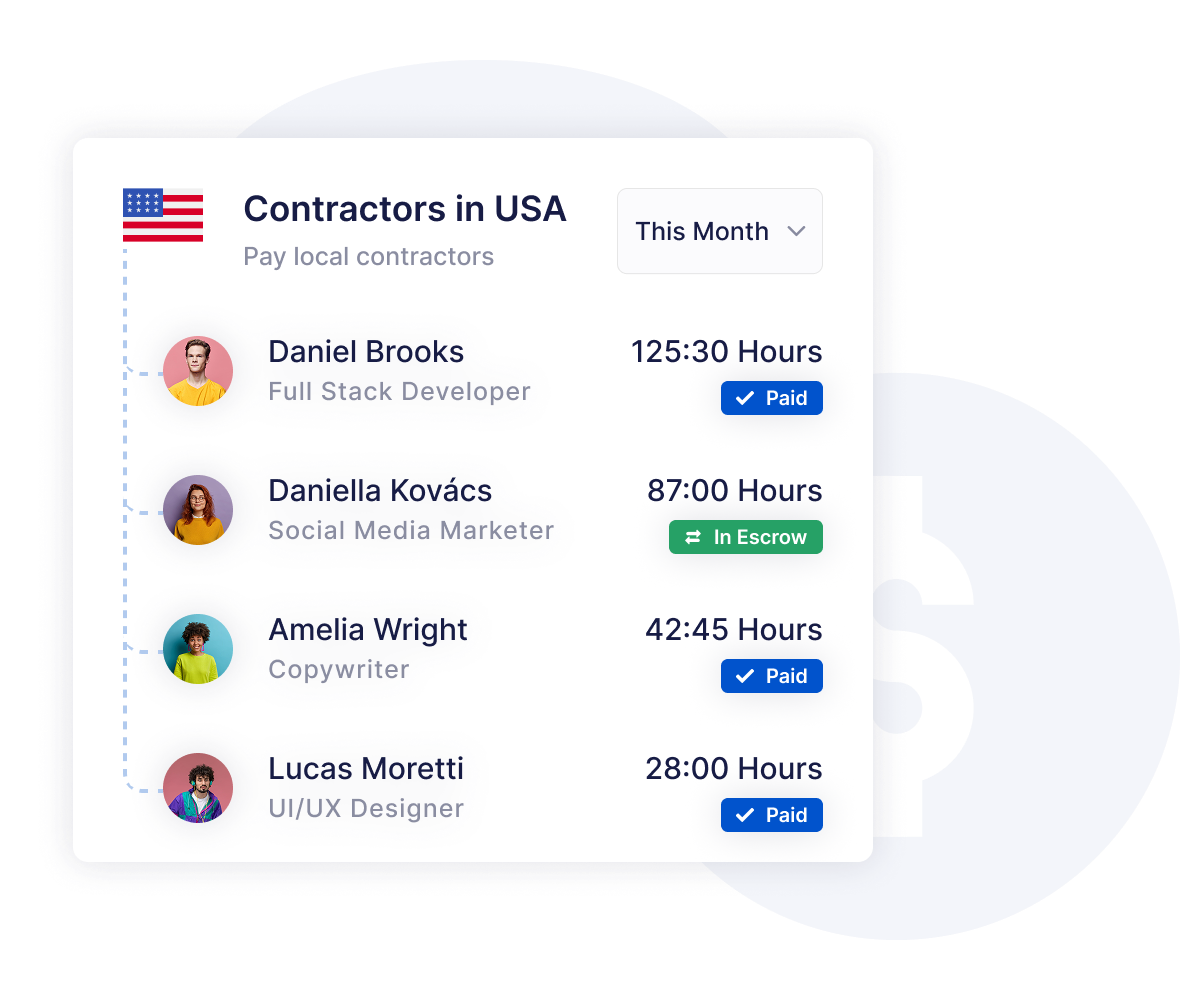
EliteBrains lets you pay local contractors just as easily as global ones. Use familiar domestic methods such as standard bank transfers, SEPA, ACH, or other region-specific rails — with no need for international routing or complex setups. Contractors receive payments in their local currency and through channels they already use, making the whole process fast, predictable, and effortless.

Results

Contractor payouts

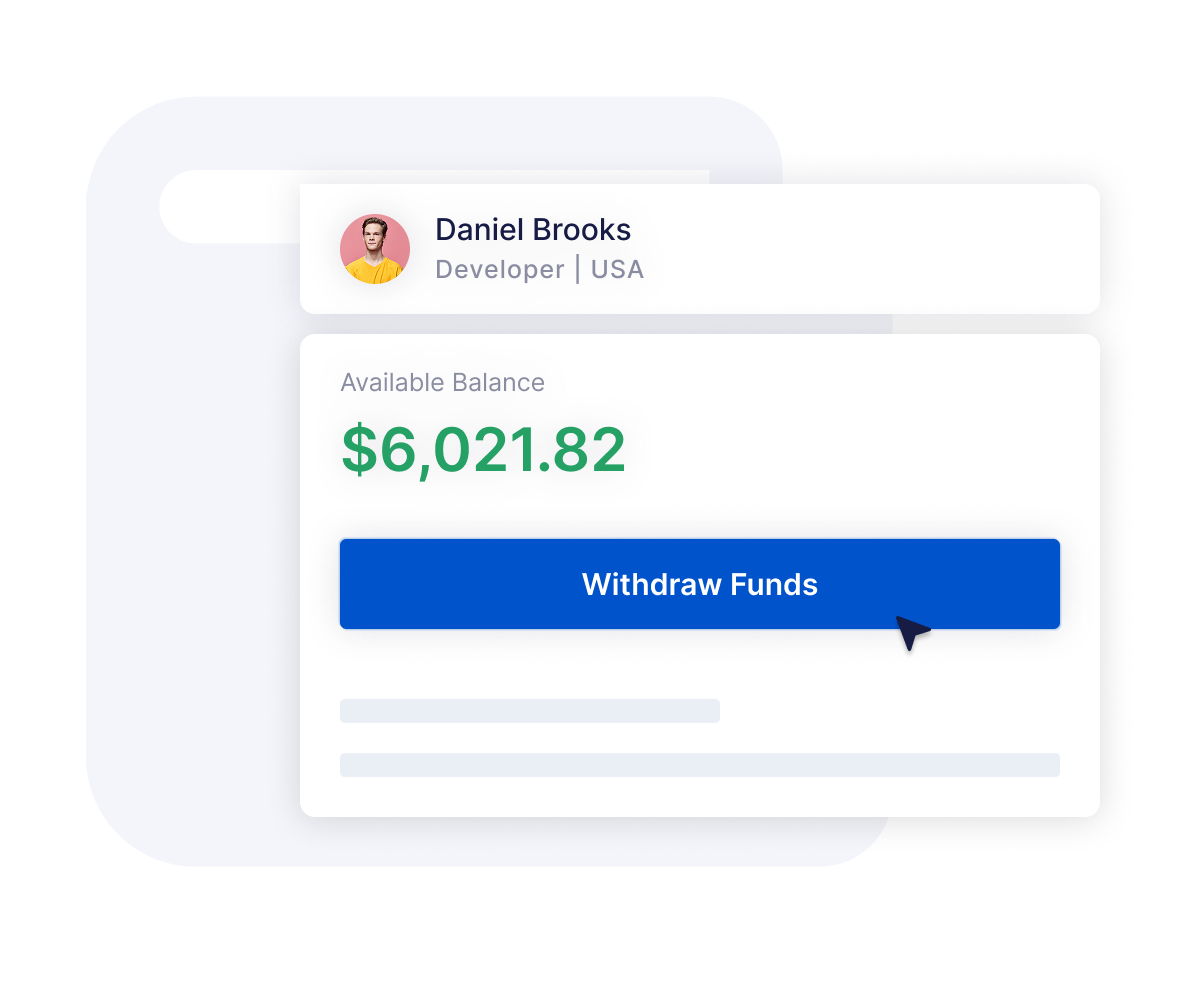
After you initiate a payment, the funds move instantly to the contractor’s balance. From there, contractors choose how they want to withdraw — via local bank transfers, ACH, SEPA, SWIFT, or instant card payouts supported by Stripe. Each contractor simply picks the method that works best for their country and banking setup.

Results

How to pay contractors globally with EliteBrains

  1. Add a contractor Invite your contractors or add them manually in a few seconds.Set their basic details such as citizenship, tax residence
    Start adding contrators
  2. Create a contractChoose between time-based, milestone, or fixed-price contracts.Define rates, reporting rules, and payment conditions with full clarity
    Create a contract for free
  3. Let contractors report their timeContractors log their hours or submit deliverables directly in EliteBrains. You get a transparent overview of all reports in one place
  4. Pay contractors automatically or approve every transactionReview and approve each report manually, or enable autopayments for a fully automated flow. Pay globally using 50+ reliable payout methods

Frequently Asked Questions

How do I pay international contractors?

You add the contractor, set up their contract, and once you've approved their work you pay them straight from the same dashboard - there's no separate payroll run to deal with. If you want to check every report first, keep approvals manual. If you'd rather not click through each one, switch on autopayments and approved work gets paid on its own. The money lands in the contractor's balance and they withdraw it however suits them - local bank transfer, SEPA, ACH, SWIFT, or an instant card payout.

How do I send international payments to contractors?

Payments go out to 150+ countries without you filling in a wire form or working out exchange rates. Pick the method that fits the contractor - SEPA in Europe, ACH in the US, SWIFT, cards, or a local payout rail - and we take care of the currency conversion and the regional requirements in the background. You approve, we route it.

What's the cheapest way to pay international contractors?

It comes down to where the contractor is and how they want the money. Local rails like SEPA and ACH tend to be the cheapest for in-region payouts, while cards and SWIFT cost a little more but reach places local transfers can't. Because each contractor chooses their own withdrawal method, they can go with whatever's most economical for their bank and country.

How do I pay contractors in different currencies?

You don't really have to manage it. Set the contract in the currency you agreed on, and when you pay, EliteBrains converts it automatically so the contractor receives their local currency. With 50+ currencies supported, a team spread across several countries all gets paid correctly without you running any conversions by hand.

Can I automate contractor payments?

Yes. Turn on autopayments and any report that gets approved is paid automatically - useful when you're running a lot of contractors and don't want to process each one. If you'd rather keep a closer eye on things, leave it manual and approve every payment yourself. You can even mix the two across different contracts.

What payment methods can contractors receive?

More than 50, including SEPA and ACH bank transfers, SWIFT, credit and debit cards, Apple Pay, Google Pay, and a range of local methods that depend on the country. Card payouts run through Stripe for instant transfers. Each contractor simply picks whatever works for their bank and location.

Which countries can I pay contractors in?

150+ countries. Whether someone's in the EU, the US, Asia, or Latin America, there's a supported way to pay them - usually through a local method they already use, so on their end it feels like a normal payment rather than an international transfer.

Is there an API for global contractor payouts?

Most teams run everything through the dashboard, so you don't need to build anything to pay contractors around the world. If you're looking to connect payouts into your own systems, get in touch and we'll walk through what's possible for your setup.